Alien Tool V1.0.16 Free Download for Windows – Motorola MTK Servicing
Dealing with Google FRP locks, forgotten screen patterns, or Android software issues can take time. Alien Tool V1.0.16 brings several mobile servicing utilities together in one Windows program. It includes ADB, Fastboot, MediaTek META Mode, Motorola bootloader tools, and firmware flashing options for supported Motorola, Xiaomi, Samsung, and other Android devices.
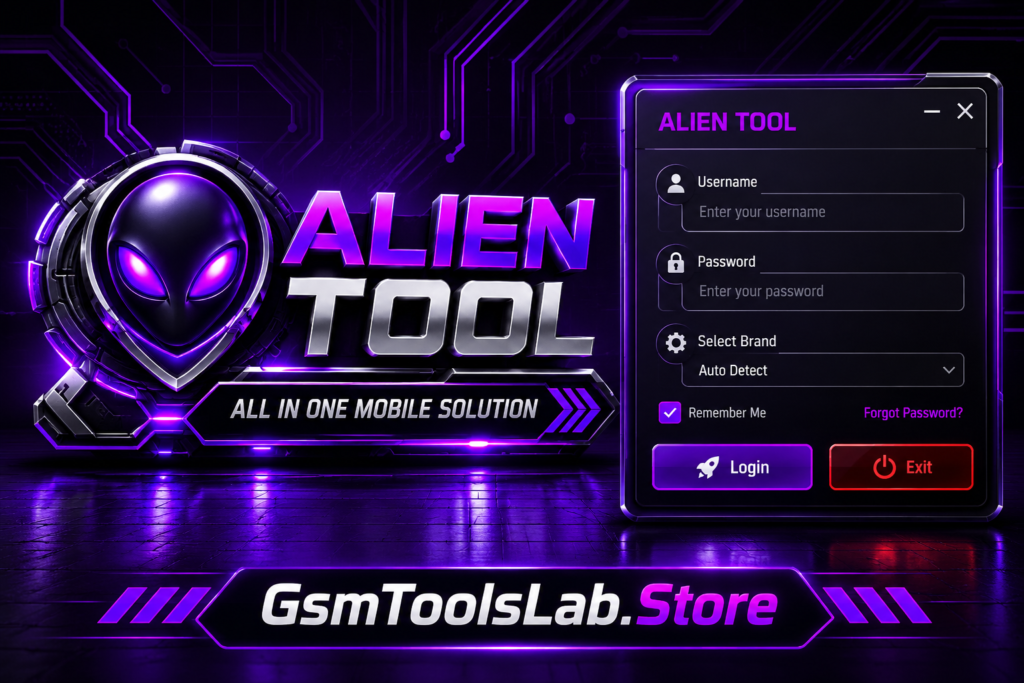
What Is Alien Tool?
Alien Tool is a Windows application developed for Android phone servicing and software maintenance. It provides different connection methods, including ADB, Fastboot, MediaTek, SPD, Qualcomm, Download Mode, and Emergency Mode. Mobile technicians can use its available modules for Google FRP, screen lock operations, firmware installation, and device information. The software supports selected Motorola, Infinix, Samsung, and other Android smartphones.
Features of Alien Tool
FRP Removal
Alien Tool offers Google FRP servicing options for compatible Android smartphones. It helps technicians deal with account verification problems that may appear after performing a factory reset.
Screen Lock Removal
The screen lock section provides selected unlocking functions for supported devices. Technicians can use these options to handle PIN, pattern, and password-related software servicing tasks.
DNS Generator
Alien Tool comes with a built-in DNS Generator that prepares DNS configurations for supported operations. This feature adds another useful utility for Android device servicing.
RomPatch Support
The software offers RomPatch functionality for selected Motorola and Xiaomi smartphones. It also supports Fastboot-based firmware operations on compatible devices with an unlocked bootloader.
MDM Operations
Its MDM section includes device management and servicing functions for selected Motorola, Xiaomi, Samsung, and other supported Android smartphones.
PayJoy Functions
The PayJoy module provides related servicing options for compatible Android devices. Available operations depend on the smartphone model, installed software version, and authorization requirements.
Motorola Bootloader Tools
Motorola users can access bootloader-related utilities to check device information, retrieve supported unlock tokens, restart smartphones, and perform available bootloader operations.
Firmware Flashing
Alien Tool allows technicians to install firmware using supported .alien packages. It can flash complete firmware or individual partitions, including VBMETA and SUPER.
Infinix DNS Operations
The Infinix module provides DNS-related servicing options for supported smartphones. It also includes ADB information reading and device reboot functions for available operations.
MediaTek META Mode
With MediaTek META Mode support, technicians can connect compatible MediaTek smartphones and access the servicing functions available through this connection mode.
Unisoc Service
The Unisoc section brings additional servicing options for compatible devices. It includes PayJoy-related functions and supported ADB device-owner activation operations.
What’s New in Alien Tool?
- Improved compatibility with Android 13, 14, 15, 16, and 17 devices.
- Introduced dedicated servicing sections for Motorola and Infinix smartphones.
- Updated ADB commands and USB debugging functionality.
- Added META Mode connectivity for supported MediaTek devices.
- Expanded available servicing options for Unisoc smartphones.
- Included more Fastboot utilities for supported operations.
- Added RomPatch features for selected Motorola and Xiaomi models.
Download Information
| Information | Details |
|---|---|
| Tool Name | Alien Tool |
| Version | V1.0.16 |
| File Type | ZIP / Setup |
| Platform | Windows 7, 8, 10, 11 |
System Requirements
| Requirements | Minimum Specifications |
|---|---|
| Operating System | Windows 7, 8, 10, 11 |
| Processor | Intel or AMD Dual-Core |
| RAM | 4 GB Minimum |
| Storage | 500 MB Free Space |
| Architecture | 32-bit / 64-bit |
| USB Port | USB 2.0 / USB 3.0 |
| Internet Connection | Required for online operations |
| USB Drivers | Device-specific Android USB Drivers |
How to Download, Install & Use Alien Tool?
- Open a reliable website that provides the Alien Tool installation package.
- Download the available Alien Tool ZIP or RAR file to your computer.
- Use WinRAR or 7-Zip to unpack the downloaded archive.
- Set up the necessary USB drivers for your Android smartphone.
- Navigate to the extracted folder and locate the Alien Tool executable.
- Right-click the application and select Run as Administrator if needed.
- Connect your Android device to the PC with a working USB cable.
- Choose the connection mode supported by your phone, such as ADB, Fastboot, or META Mode.
- Select the appropriate smartphone manufacturer, such as Motorola, Infinix, or Samsung.
- Open the required servicing function and follow the instructions displayed by the software.
- Allow the selected operation to finish without interrupting the connection.
- Once the process is complete, disconnect your smartphone safely.
Pros and Cons
| Pros | Cons |
|---|---|
| Works with several Android manufacturers, including Motorola, Xiaomi, Samsung, Infinix, Tecno, and Realme. | Feature availability varies according to the device model and firmware version. |
| Brings ADB, Fastboot, DNS generation, and firmware installation utilities together. | Supported RomPatch flashing requires an unlocked bootloader. |
| Includes Motorola MediaTek FRP and bootloader servicing options. | Some advanced functions may require a paid license. |
| Provides RomPatch functionality for selected Motorola and Xiaomi smartphones. | Using incorrect firmware can lead to boot or software issues. |
| Offers MDM and PayJoy-related functions for compatible devices. | Proper USB drivers and connection modes are necessary. |
| Combines different Android maintenance functions in one application. | Certain features may not work across every supported brand. |
Also Read: OpenRoot V1 Free Latest Version Download for Windows (Tested 100%)
Conclusion
Alien Tool V1.0.16 brings several Android repair utilities into one Windows application. Its FRP, screen lock, ADB, Fastboot, MediaTek META Mode, RomPatch, and firmware flashing functions cover different servicing needs. Support for selected Motorola, Xiaomi, Samsung, Infinix, and Unisoc devices makes it useful for mobile technicians. Always verify the phone model, chipset, drivers, and firmware compatibility before starting any operation.
Frequently Asked Questions (FAQs)
Which Android brands can I use with Alien Tool?
Alien Tool works with selected Motorola, Xiaomi, Samsung, Infinix, Tecno, Realme, Vivo, and Oppo smartphones. Supported functions differ between device models.
Are ADB and Fastboot available in Alien Tool?
Yes, the software includes ADB and Fastboot utilities. These functions help technicians check device details, restart connected phones, and perform supported servicing tasks.
Is Google FRP removal available in Alien Tool?
Yes, Alien Tool provides FRP-related operations for compatible Android devices, including selected Motorola MediaTek smartphones. Support depends on the particular model.
Can I connect a MediaTek phone through META Mode?
Yes, the tool includes a MediaTek META Mode module. It allows compatible MediaTek smartphones to connect for available device servicing operations.
Does Alien Tool support firmware installation?
Yes, technicians can use compatible .alien firmware packages to install complete firmware or selected partitions, such as VBMETA and SUPER.
Is a paid license necessary to use Alien Tool?
Some Alien Tool functions may require an active paid license. The official website provides different license plans, with activation available through authorized resellers.